
Install for everyday use
Install on the computer’s hard drive or SSD for regular use. Keep track of supplies, documents and preparedness.
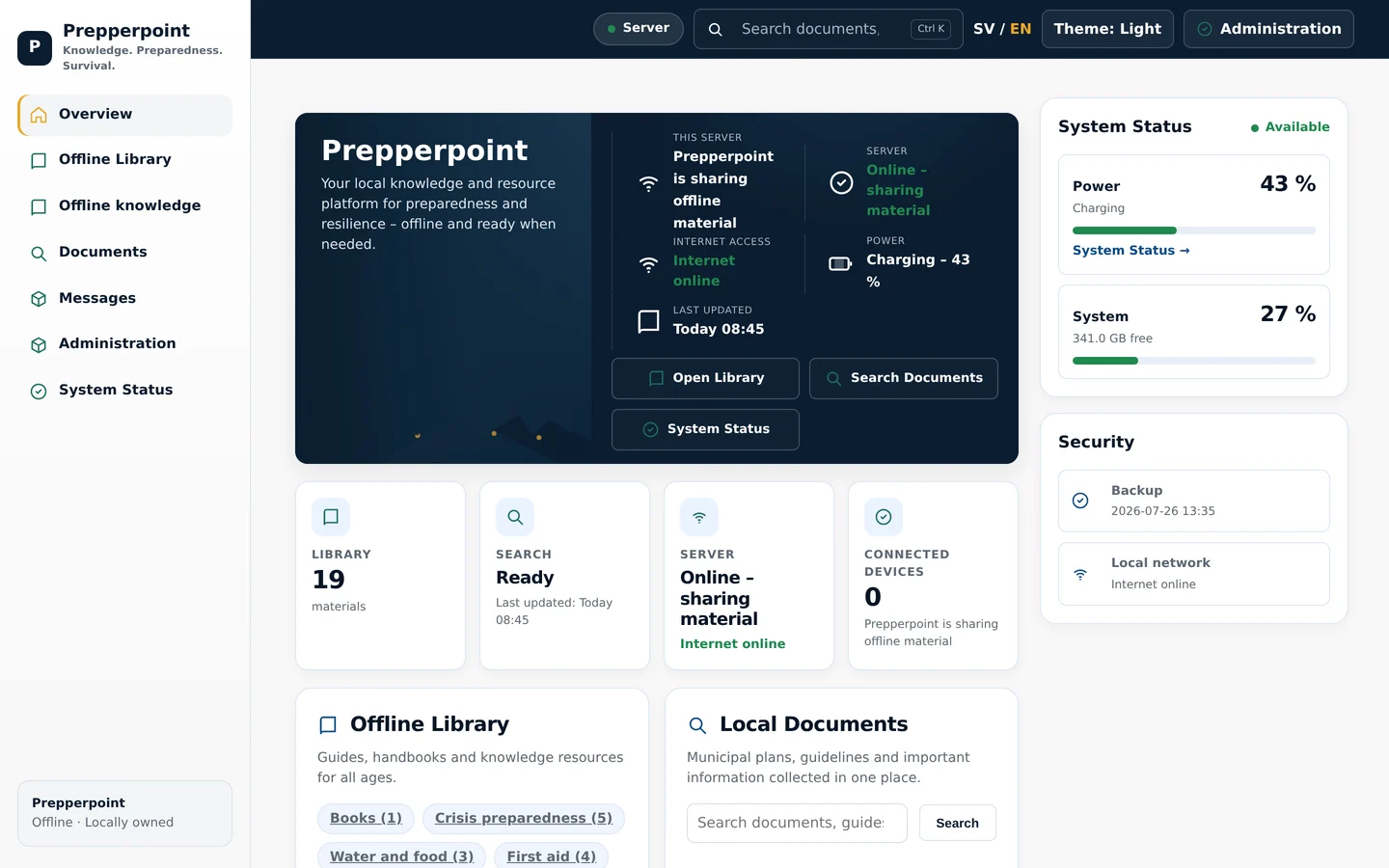
Keep Wikipedia, documents, offline maps, local AI and your supplies together on one computer. Run from USB or install on a hard drive or SSD. Share your prepared material with phones and tablets over local Wi-Fi.
FROM USB OR INTERNAL DRIVE
Run Prepperpoint from USB or install it on the computer’s hard drive or SSD. The computer becomes both your workspace and a local server that shares material, without requiring server administration skills.
ON YOUR PHONE, TOO
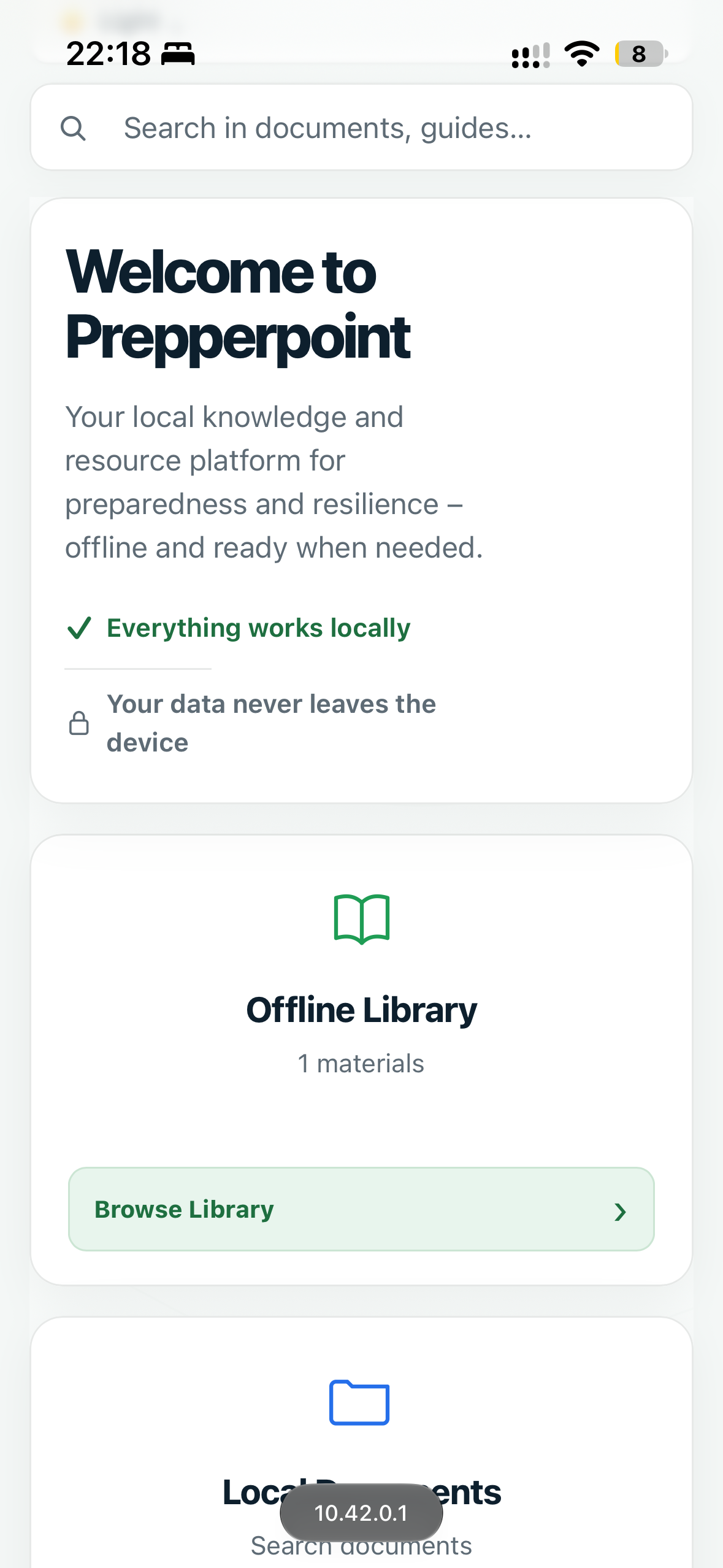
Connect your phone to Prepperpoint’s local Wi-Fi and open the user portal in your browser. Read documents, use local AI and check your inventory from your phone.
Over local Wi-Fi · No extra appReal mobile views with the English interface. Available content depends on the installation.
Run Prepperpoint from a prepared USB drive or install the system on the computer’s internal hard drive or SSD.
Boot from USB or the internal drive. Use the library, maps and inventory directly on the computer.
Hotspot mode turns the computer into its own Wi-Fi network. Connect phones and tablets and open the material in a browser.
Install on the computer’s hard drive or SSD for regular use. Keep track of supplies, documents and preparedness.
Keep a prepared USB drive with your emergency supplies, test it occasionally and keep its content up to date.
Prepare content before you need it offline. The computer needs power. The USB option requires USB boot support, and wireless sharing requires Wi-Fi hardware that supports hotspot mode.
View the installation guideWIKIPEDIA — EVEN WITHOUT INTERNET
Download the parts of Wikipedia you need — or a complete edition — before the connection disappears. Prepperpoint makes that knowledge available on the computer and to other devices on the local network.
Download a smaller collection, a language edition or a complete Wikipedia edition.
The content is kept on your own Prepperpoint device and requires sufficient storage space.
Open the encyclopedia locally when the internet is slow, unavailable or switched off.
Wikipedia content is downloaded in advance. Available packages, content and size can vary by language and edition.
LOCAL AI — WITHOUT A REQUIRED CLOUD
Prepperpoint can run compatible AI models directly on the computer. This provides AI assistance without internet and lets you work with locally stored material without sending every request to an external cloud service.
The AI model and relevant content must be downloaded in advance. Speed, model size and capabilities depend on the computer’s processor, memory and available storage. AI answers can be wrong and should be checked when the information matters.
TAKE A LOOK INSIDE
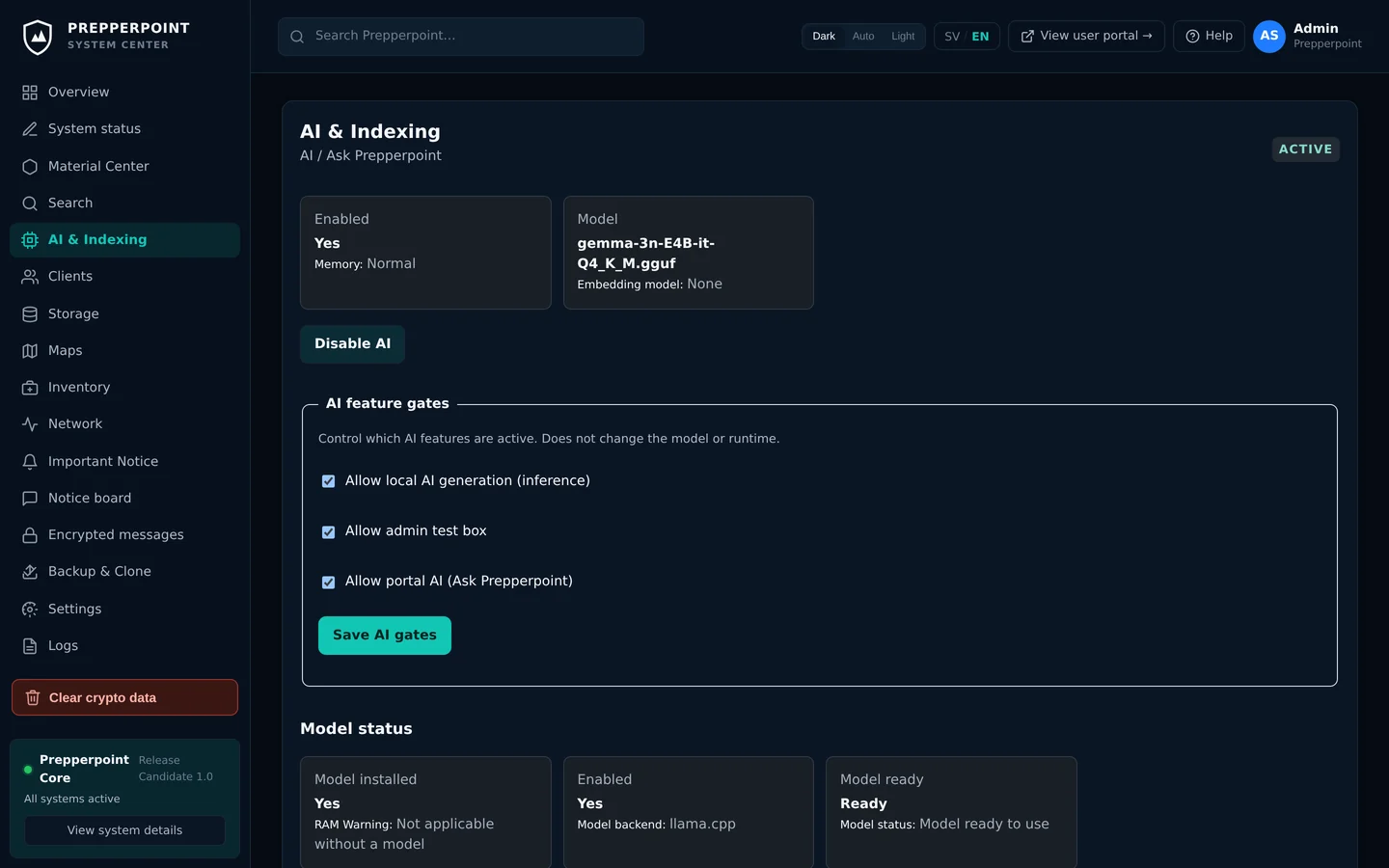
A user portal for everyday access. An administration portal to keep everything organised.
Wikipedia editions, your documents and installed knowledge collections in one searchable offline library.
Actual interface · Example content · English screenshots · Library access from the user portal
WHY PREPPERPOINT?
Prepperpoint does not replace the internet. It brings essential resources into a prepared local environment for times when the internet cannot be used.
FAQ
Getting started, your account and using Prepperpoint offline.
Read the installation guideSTART A CONVERSATION
Curious about Prepperpoint? Tell us what you have in mind — for your home, your group or your organisation.